
How can I edit what I receive in each Subscription refill?Updated 7 months ago
When you’re enrolled in a Canopy Subscription we’ll automatically create orders for you on a repeating basis.
You can see what's included in all of our subscriptions here. To add an additional subscription, or to Swap between options, meaning to remove what you're receiving now and receive something else instead:
Go to your Account page, select "Swap" next to the Subscription you want to adjust. | 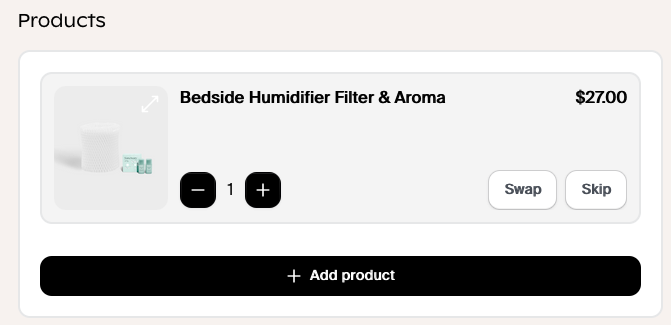 |
You'll be shown the full list of Canopy products; devices and accessories. | 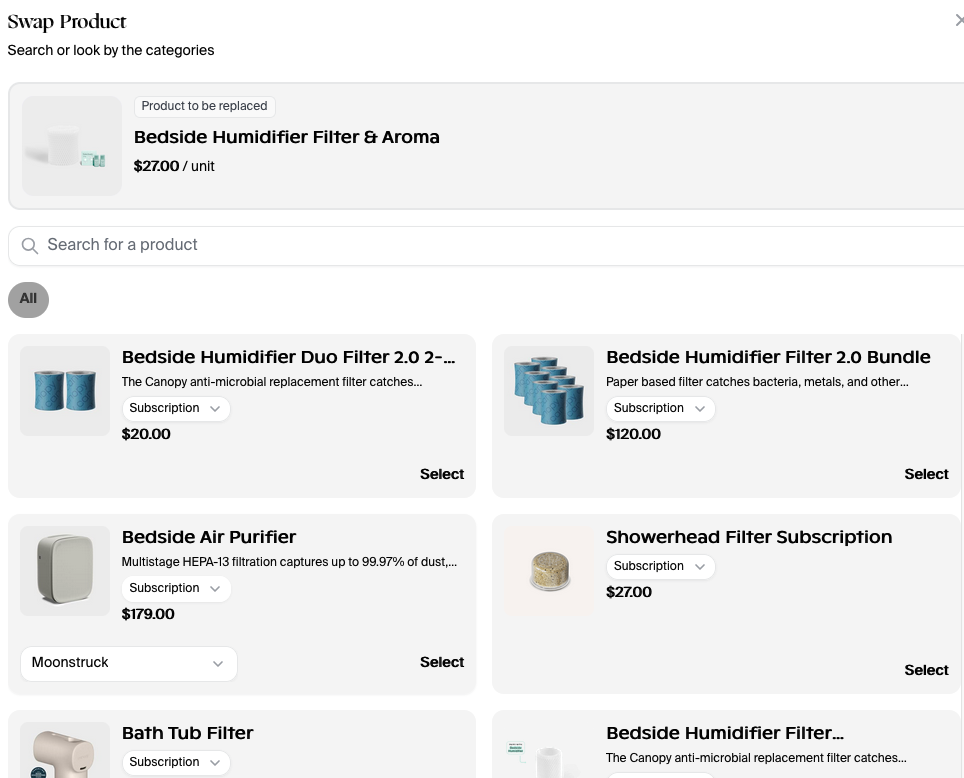 |
| If you want to add a new device to your next order just make sure to select On -time from the dropdown | 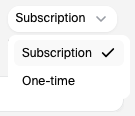 |
| Hit "Select next" to the product you want to transition to, then |  |
To Add to your subscription, without removing your original refill, Select "Add Product" to start and follow the same steps as above.
