
How do I reschedule my next Subscription refill?Updated 7 months ago
Do you have an Aroma Kit or Replacement Filter on the way but you don't need one just yet? No worries! You can reschedule the next order in your Subscription from your Account Page with just a few simple steps.
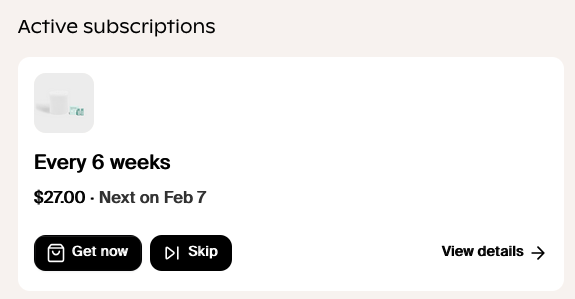
From your Account Page Select View Details from the subscription you want to edit:
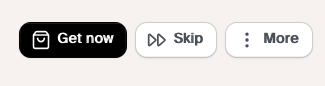
From the top right of your Subscription Page select More:
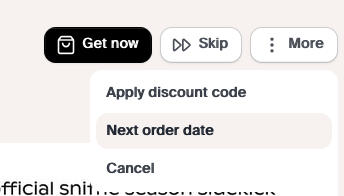
Then select "Next Order Date."
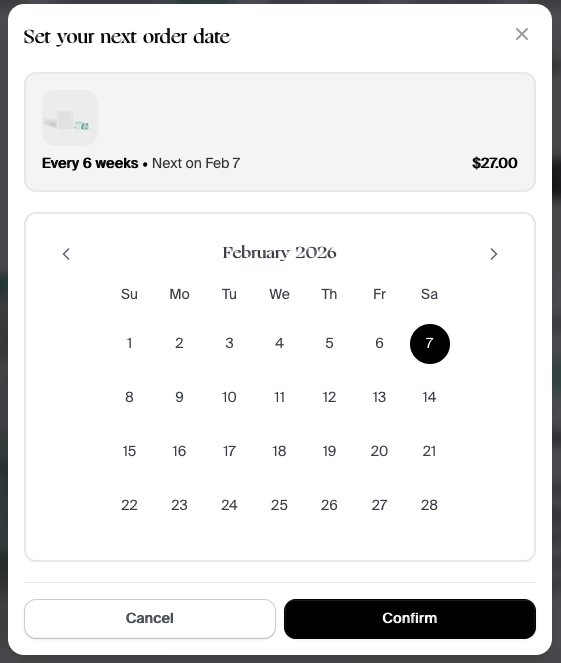
A calendar will pop up which will allow you to select a new date up to 90 days in the future. Select the date you want and then click "Confirm."
Please keep in mind that Skipping or Rescheduling an order in your Subscription will drop your subscription's status back to Starter status.